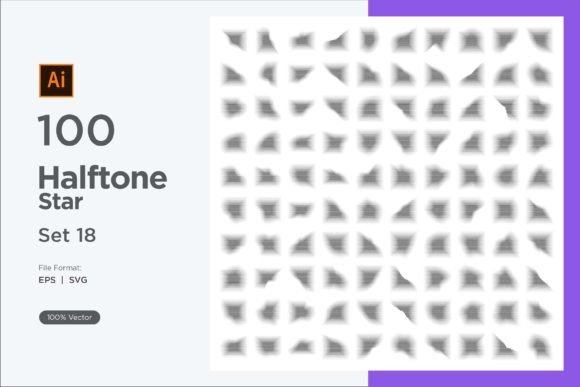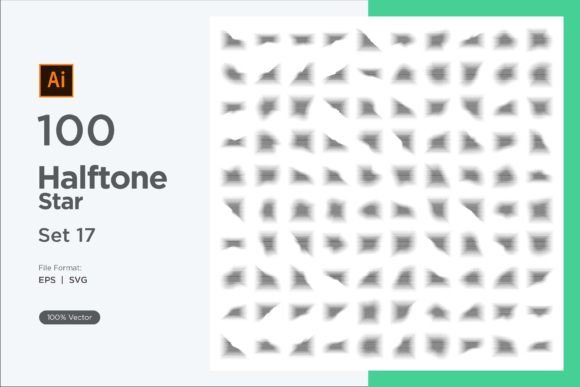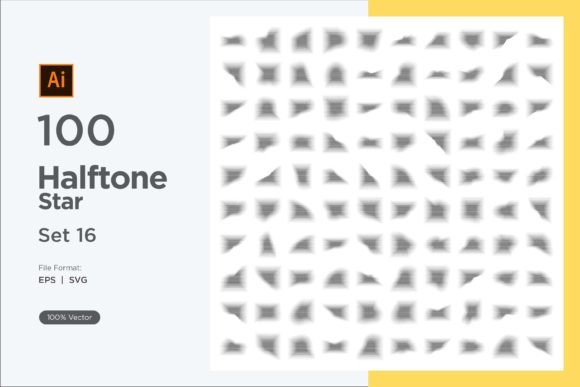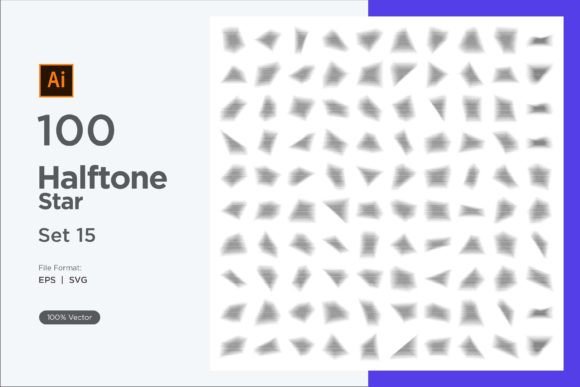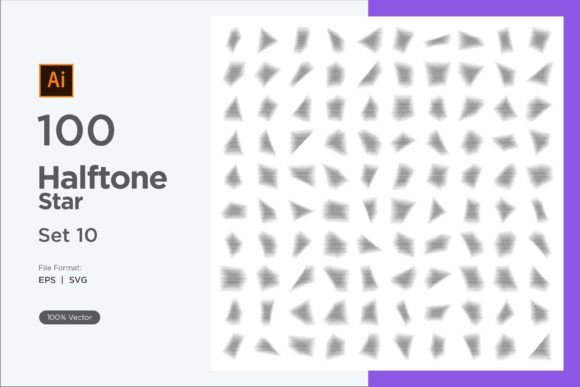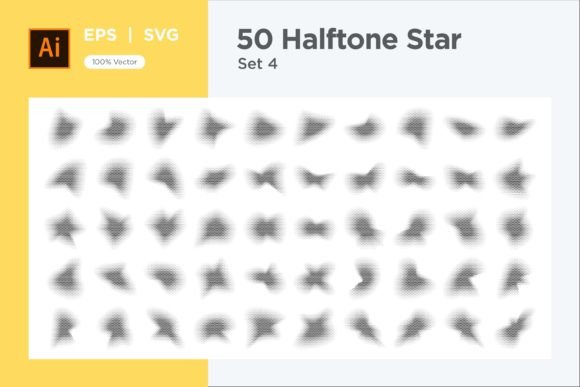
Stars Shape Halftone Background 50-4
Imagine a backdrop that feels both playful and polished, with rows of stars fading in and out like a gentle constellation. That’s the visual magic behind Stars Shape Halftone Background 50-4. At its core, this is a collection of vector design assets that use repeated star shapes combined with a halftone effect. Instead of flat, solid stars, you get a textured pattern where gradients and tiny dot clusters create depth, shading, and a distinctive look. It’s a ready-to-use resource that takes the guesswork out of making halftone star backgrounds from scratch.
What makes a halftone star pattern so appealing? The technique works by varying the density or size of the stars (or the dots inside them) to simulate light and shadow. The result feels like an old-school print aesthetic or a celestial screen-printed texture. When you view it up close, you notice the individual star shapes interacting with each other. Zoom out, and it forms a seamless, dimensional surface that can shift from a dreamy night sky to a retro comic-book vibe depending on your color choices. This balance of structure and organic texture gives a background character without overwhelming the foreground content.
What’s Actually Inside the 50-4 Pack
The name might sound technical, but the contents are refreshingly straightforward. You receive 50 EPS files and 50 SVG files — that’s 100 individual vector graphics in total. Each file is a fully resizable halftone background built from star shapes, so you can scale a design up for a billboard or down for a business card without losing a single pixel of quality. Both EPS and SVG are industry-standard vector formats, which means you can open them in a wide range of applications: Adobe Illustrator, CorelDRAW, Affinity Designer, Inkscape, and many more.
What makes this pack especially beginner-friendly is its adaptability. The star patterns aren’t merged into a single rigid image. You can easily ungroup elements, select individual stars, or change the overall color scheme with just a few clicks. If you’re working in Adobe Illustrator, for instance, you can select all the halftone stars and recolor them to match your brand palette. The shapes remain crisp because they’re built from mathematical curves rather than pixels. This is a huge timesaver for anyone who’s ever struggled to make a halftone effect manually with filters or gradients.
Throughout the collection, you’ll find varied arrangements — some backgrounds have a dense, uniform grid of stars, while others scatter them organically, creating a more spontaneous, starlit feel. The halftone treatment also varies: softer dot gradations create a misty, atmospheric effect, while sharper, high-contrast patterns lean toward a graphic, pop-art style. Having 50 distinct designs at your fingertips means you’re not locked into a single mood.
Why Designers and Creators Reach for This Kind of Asset
Time is often the unsung metric in creative work. A halftone star background can take hours to build from scratch if you want precise control over spacing, gradation, and balance. Stars Shape Halftone Background 50-4 gives you that result instantly, so you can focus on the composition, typography, or other elements of your project. For small business owners managing their own social media, it’s a way to get professional-looking visuals without hiring a designer. For seasoned professionals, it’s a springboard — grab a base, tweak a few colors, and you have a custom background that fits client needs in minutes.
There’s also a reliability factor. Since the files are vector, they’re immune to the blurriness you might get when enlarging a low-resolution JPEG. You can print them on large-format posters, stretch them across a website header, or use them in a presentation without worrying about jagged edges. The EPS and SVG formats cover both print and digital workflows, so the pack earns its place whether you’re mocking up packaging for a product or designing an email newsletter.
Real-World Uses: Where Star Halftone Backgrounds Shine
These backgrounds don’t belong to one narrow niche. Their quiet versatility is what makes them valuable across so many projects. Consider a few everyday scenarios:
- Social media graphics: Layering a star halftone behind a quote, announcement, or product photo adds texture that stops the scroll. Change the hue to match your post’s mood — warm golds for evening inspiration, cool blues for a refreshing tone.
- Website and app design: A subtle star halftone in a hero section or a footer can give a tech startup a forward-looking, space-age touch without being literal. It also works beautifully for children’s app interfaces, where whimsy helps engage young users.
- Print materials: From birthday invitations to band merchandise, the mix of stars and halftone evokes a handmade, gig-poster feel. Because the files are vector, you can export them at 300 dpi for crisp printing on anything from flyers to T-shirts.
- Branding and identity: A stylized star halftone can become a recurring element in packaging, wrapping paper, or loyalty cards for a boutique. It signals creativity and attention to detail without being overly loud.
- Educational content: Teachers and course creators use these backgrounds to make slides, worksheets, or digital downloads visually engaging. The star motif is universally positive, and the halftone effect keeps it from looking childish — ideal for adult learners too.
One of the unexpected strengths of the pack is how well it supports accessibility. The high-contrast versions, when paired with light or dark foreground text, help maintain legibility even on textured backdrops. You can also reduce opacity or overlay a solid color block to achieve just the right balance between flair and readability.
How to Start Editing and Customizing the Patterns
If you’ve never edited a vector file before, jumping into a collection like this might feel a little intimidating. The good news is that the process is simpler than it looks. Start by opening an EPS or SVG file in a vector editing program. If you don’t have paid software, free options like Inkscape work perfectly with SVG files. Once open, you’ll see that the background is made up of many individual star elements grouped together.
To change the color, use the selection tool to pick the group or individual stars. In Illustrator or similar programs, you can simply select an object and assign a new fill color. Want a two-tone look? Select some stars and color them differently. You can also experiment with the halftone density by scaling the whole pattern — enlarging it will spread the stars apart and soften the gradient, while shrinking it tightens the texture. Because the design is vector, these transformations are lossless.
For those who prefer a more automated approach, many design apps allow you to recolor artwork with a few clicks. The ability to easily replace colors makes the pack a perfect companion for fast prototyping. In minutes, you can generate several mood-board options without rebuilding the pattern from the ground up.
Important Things to Keep in Mind Before Using the Pack
While the Stars Shape Halftone Background 50-4 pack aims to be as straightforward as possible, a few considerations will help you get the best result:
- Software compatibility: EPS files are generally more suited to professional print design software like Adobe Illustrator. SVG files have wider compatibility across web design tools, browsers, and free applications. If you’re primarily a digital creator, SVGs might be your go-to. For print, EPS often offers slightly more robust handling of complex artwork.
- File management: With 100 files, it’s helpful to preview and organize your favorites. Most operating systems now include SVG thumbnail previews, but you might need to enable or install a viewer for EPS if your system doesn’t show them natively.
- Licensing: Like most design assets, these files come with terms that allow use in personal and commercial projects — typically in unlimited ways as long as you don’t resell the file in its original form. It’s always wise to check the specific license that accompanies the download so you know exactly what’s permitted.
- Color mode awareness: If you’re designing for print, you’ll want to work in CMYK color mode to avoid color shifts. Digital designs should stay in RGB. Vector files generally don’t have a fixed color mode until you set one in your editing software, so just be intentional at the start of your project.
- Layering and transparency: The halftone effect relies on tiny elements. When placing the background over a busy photograph, you might lose some of that dotted texture. For best effect, use it behind text-heavy layouts or on semi-transparent layers where the star shapes can breathe.
If you ever hit a snag or need help with a specific file, the creator offers support through their profile page or email. That human touch can be a relief when you’re on a tight deadline and something isn’t behaving as expected.
Making the Most of the 50 Unique Designs
Having fifty options can feel like a lot. Instead of scrolling endlessly, try a quick filtering approach: separate the designs into rough categories like dense, sparse, high-contrast, and soft. Then, when a project needs a gentle, airy backdrop, you can skip straight to the softer patterns. If you’re creating a grungy zine page, the higher-contrast halftones will fit right in. Over time, you’ll develop a shorthand for which background fits which mood, much like a painter knows which canvas texture to reach for.
Beyond just using them as backgrounds, think about clipping masks and overlays. You can place a photo inside a text layer and then use one of the star halftone patterns as a subtle texture overlay to give the image a printed, vintage feel. The versatility of vector art means you can repurpose these files far beyond their intended “background” role — they become building blocks for entirely new compositions.
Why a Star Halftone Stands Out from Typical Patterns
Plain geometric backgrounds are everywhere, but a star halftone does something a flat chevron or dot grid can’t: it tells a mini story. The star shape itself carries connotations of aspiration, wonder, and timeless design. Coupled with the halftone effect’s optical mixing, the pattern feels active yet familiar. It can tip into nostalgia for 80s arcade cabinets or 90s comic books, or feel utterly modern in a minimalist tech brand’s color palette. This dual nature — retro and forward-looking — makes the Stars Shape Halftone Background 50-4 a surprisingly flexible tool for creative work.
For bloggers, small business owners, or educators who want to add personality to a page without learning complex illustration techniques, this pack bridges the gap. You don’t need to be a professional designer to get a designer-quality finish. A little bit of curiosity about a vector program, coupled with these pre-built assets, can radically lift the visual standard of your output. And for the pros, having a library of halftone star variations at the ready means fewer late nights trying to perfect a gradient mesh.
There’s a reason textures and patterns continue to be some of the best-selling design resources: they solve a real need. A background may not be the hero of a layout, but it sets the entire emotional stage. With stars, you get a universally positive symbol wrapped in a technique that adds depth. Whether you’re crafting a birthday invitation, an album cover mockup, or a presentation on astronomy, the Stars Shape Halftone Background 50-4 pack gives you the foundation — beautiful, scalable, and endlessly adaptable.
When you’re ready to experiment, start with a single SVG file and a color you love. Tweak it, layer it, and let the star pattern do the heavy lifting. Once you see how quickly an ordinary layout transforms, you’ll probably find yourself returning to the collection again and again, discovering new combinations each time.