A Practical Guide to Using the Stars Shape Halftone Background 50-12 Vector Set
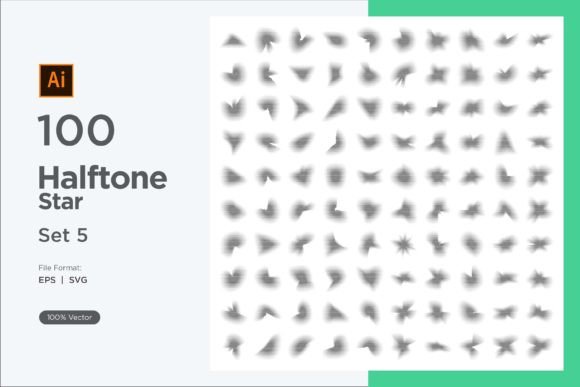
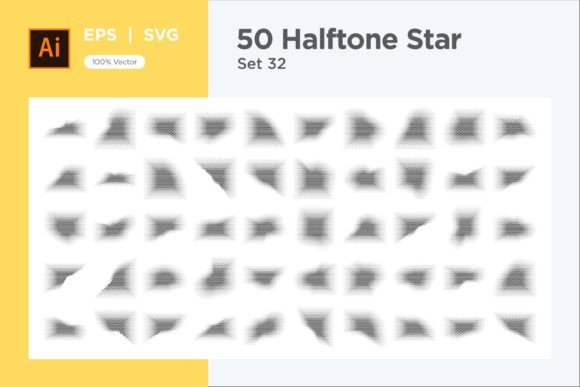
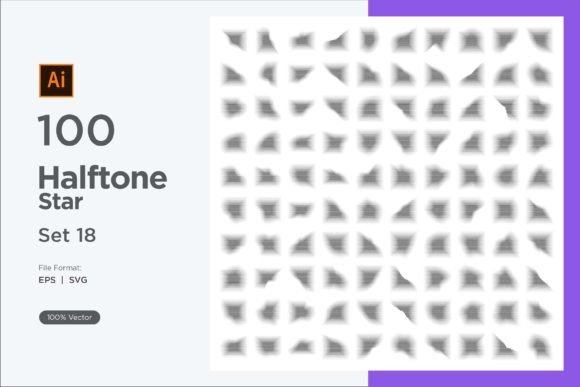
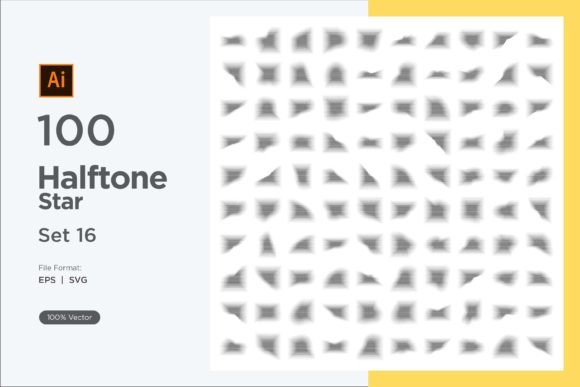
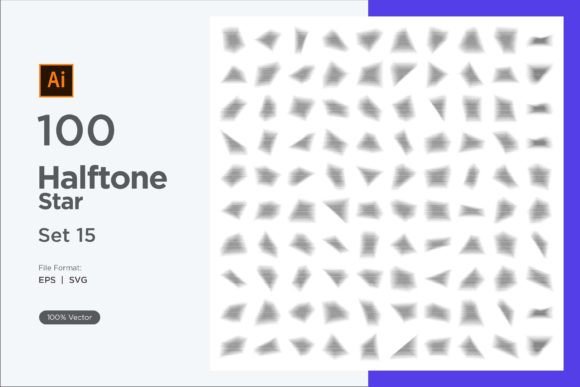
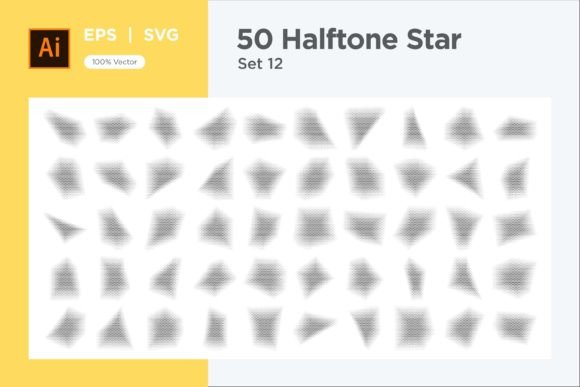
In a world saturated with generic stock imagery, finding a graphic resource that is both distinctive and versatile is a genuine challenge. The Stars Shape Halftone Background 50-12 collection stands out precisely because it offers a blend of whimsical charm and professional utility. This isn't just a single static image; it’s a comprehensive package of 50 EPS and 50 SVG vector files, providing 100 fully resizable backgrounds centered on a clever design technique: repeated star shapes enhanced with a halftone effect.
The halftone effect, using gradients or dot patterns to create shading, adds depth and texture to the star motifs. This can evoke a dreamy, celestial night sky or tap into a playful retro aesthetic reminiscent of vintage comics. For designers, marketers, and content creators, this versatility is a powerful asset. However, the true value of a resource like this lies not just in its visual appeal, but in understanding how to wield it effectively to avoid common pitfalls that undermine projects.
Choosing the Right Background: Beyond the First Impression
A frequent oversight is selecting a background solely based on its initial visual impact without considering the final application. The Stars Shape Halftone Background 50-12 set offers 100 variations, but not all will suit your specific need. The mistake here is treating the collection as a single solution rather than a toolkit.
For example, a dense, small-star pattern with a subtle halftone might look beautiful on a large poster but become a noisy, distracting mess when used as a background for a website header with overlaid text. The halftone dots can visually compete with your typography, reducing readability and cluttering your communication.
The better approach: Before downloading or using any file, define the context. Ask yourself: Is this for print or digital? Will text or important UI elements overlay it? For text overlays, choose files with larger star shapes, more spacing between elements, or a softer, lower-contrast halftone effect. These choices ensure your background supports, rather than fights, your primary content.
The Vector Advantage and a Common Misunderstanding
The package emphasizes that all files are vector graphics, editable in tools like Adobe Illustrator. A key misunderstanding is assuming "vector" means you need complex software skills to benefit from it. This can lead some to use the files only as-is, missing immense opportunities for customization.
Vectors are infinitely scalable without quality loss, but their real power for your brand is in adaptation. Using the background in its default black-and-white on a colorful brand presentation can look disjointed. The mistake is not leveraging the easy color change feature to align the asset with your brand palette.
Practical advice: Even with beginner-level vector tool knowledge, you can perform simple edits. Open an SVG file in a free or affordable tool like Inkscape or even a capable online editor. Select the shapes and change the fill color. This simple act transforms a generic asset into a cohesive part of your brand identity. Unifying the background color with your project’s color scheme creates a professional, polished result that feels intentional.
Application Overload: When More is Less
Because the set is so rich with options, a temptation is to use these striking backgrounds excessively, across every slide of a presentation or every page of a website. This overapplication dilutes their impact and can fatigue your audience.
The halftone star pattern is a strong visual element. Using it everywhere creates a monotonous visual rhythm and can make the overall design feel busy and overwhelming. It ceases to be a special accent and becomes a distracting default.
A more effective strategy: Use these backgrounds as strategic accents. Employ them on key title slides, section dividers, or hero banners to create moments of visual emphasis. On subsequent content-heavy slides or pages, switch to a simpler, solid or minimal background. This contrast guides the viewer’s attention, improves information hierarchy, and maintains a clean, user-friendly experience.
Technical Considerations Before Final Use
While the files are ready to use, a prudent step is to check their technical compatibility with your workflow. The package includes both EPS and SVG formats, which serve different purposes.
Assuming SVG is always the best choice for web could be a minor error. For complex backgrounds with many detailed halftone dots, a very large SVG file might impact webpage loading speed if not optimized. Conversely, using an EPS file in a digital context where it's not natively supported by browsers will cause issues.
What you should check: For print projects (brochures, merchandise), the EPS files are typically ideal. For web and digital applications, the SVG files are perfect for scalability, but if the file size seems large, consider using your vector tool to simplify the design slightly—perhaps by reducing the complexity of the halftone dot count in a copy—before exporting a web-optimized version. This ensures both visual quality and performance efficiency.
Evaluating Value Against Project Needs
Finally, when evaluating a resource like Stars Shape Halftone Background 50-12, the overlooked detail is often the scope of your ongoing needs. Purchasing a single, stunning background for one project is common, but for freelancers, agencies, or entrepreneurs who produce content regularly, this can become inefficient and costly over time.
Acquiring a limited-use asset for a single client project means you’ll need to search and purchase again for the next project, wasting time and accumulating unpredictable costs. The mistake is viewing graphics as one-off purchases rather than building a reusable, adaptable asset library.
The constructive perspective: Consider this 100-file set as an investment in your creative toolkit. The ability to edit colors and shapes means you can adapt these backgrounds for numerous future projects—a client’s retro-themed campaign, a personal blog’s festive header, an educational infographic with a cosmic theme. Before deciding, think beyond the immediate project. Does your work require versatile, reusable visual assets? If yes, a comprehensive, editable collection like this provides long-term value, saving future resources and maintaining a consistent quality across your outputs.
By approaching the Stars Shape Halftone Background 50-12 with this practical mindset—considering context, embracing customization, applying strategically, checking technicals, and evaluating long-term utility—you transform a beautiful graphic resource into a powerful tool for effective and satisfying visual communication. Remember, if any technical questions arise during use, the creator’s offer to provide help via their profile or email is a valuable resource to ensure you get the best possible results.